
Exchange Online Default Sensitivity label
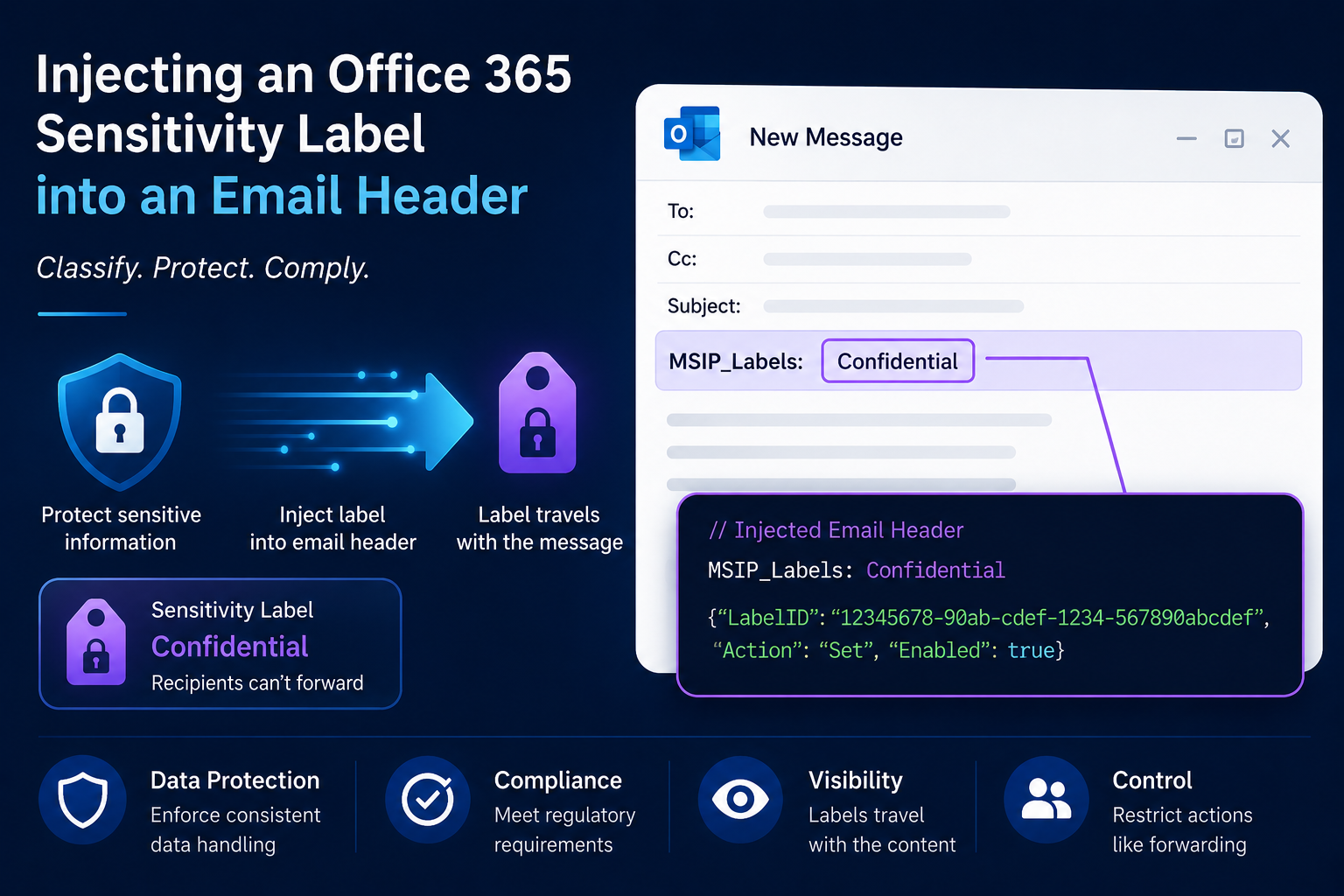
This post describes a technique to set Office365 Sensitivity Label on mails in transit using mail flow rules.
You want to auto label inbound email so that a reply from internal back to external continues with that label. How hard could that be? This doesn’t seem to be an option in Purview or Exchange Server. Fortunately sensitivity labels are stored in message headers, and we can update these on messages in transit.
If you want to automatically set a sensitivity label on inbound email you can write the Microsoft Information Protection (MSIP) label header. The following Microsoft doucment describes the email label nane and value format
First you’ll need to use the Purview PowerShell module to lookup the GUIDs for your sensitivity labels. Alternativly you can pull these out of a labelled Office doc by extracing the compressed file (.docx for example) and looking at the document metadata XML document within.
You’ll also need to lookup your Entra ID tenant ID.
The following example is from the Microsoft document linked above. The doc descirbes that the values mean. They need to be semi colon separated in your MSIP_Labels header. Swap the GUIDs and label names to suit your environment. Method should be Standard for labels applied automatically.
MSIP_Labels: MSIP_Label_2096f6a2-d2f7-48be-b329-b73aaa526e5d_Enabled=true; MSIP_Label_2096f6a2-d2f7-48be-b329-b73aaa526e5d_Method=Standard; MSIP_Label_2096f6a2-d2f7-48be-b329-b73aaa526e5d_Name=Confidential; MSIP_Label_2096f6a2-d2f7-48be-b329-b73aaa526e5d_SiteId=cb46c030-1825-4e81-a295-151c039dbf02
Using an Exchange Online Transport Rule, or a feature in your SMTP smart host, you can set MSIP_Labels as required on inbound mail. Note: If there’s already a label applied with your siteID, don’t overwrite it.
Happy auto labelling.
Find more IT Infrastructure tips at blog.alexmags.com